Connect Swydo to Claude, ChatGPT and other AI tools.
Prep calls, spot problems and answer client questions across all their marketing channels.
Free for 14 days
No credit card required
Cancel anytime
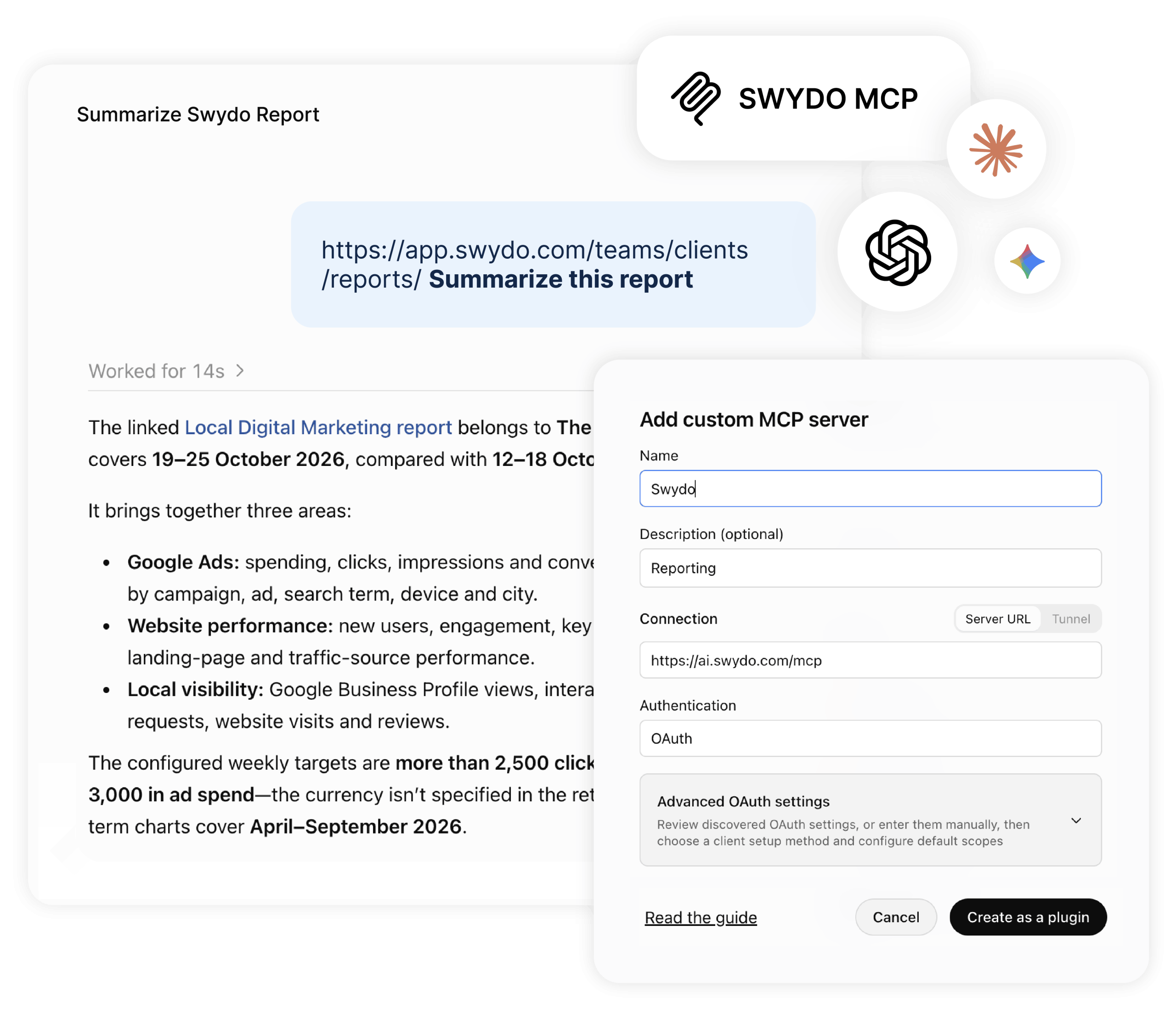
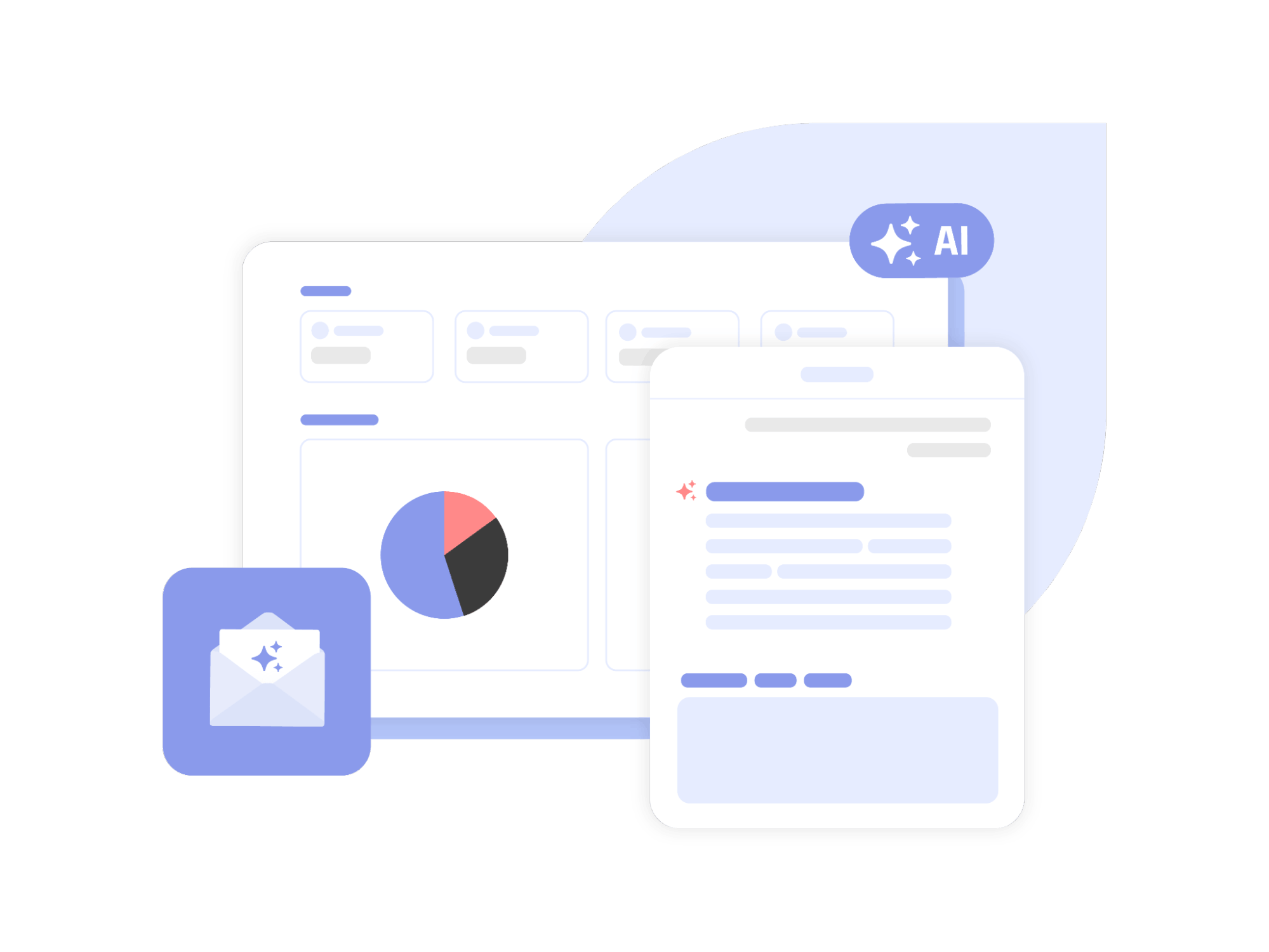
The Swydo MCP is built for how agencies work: across many clients, with numbers you can trust and access you control.
Get Client-Ready Answers
Every channel, organized by client.

One client or all of them, in one question.

Any metric or dimension, no widgets needed.

Goals and alerts built in. Add your own context.

Know What Changed Before Clients Ask
Ask once and compare every client, instead of opening one report at a time.
Answer Client Questions in Seconds
Ask in Claude or ChatGPT and get the answer from your Swydo data, without opening a single report.


Answer the Questions Your Reports Don't Cover
Your AI can look up any metric, dimension or filter a data source offers, whether or not you’ve built a widget for it.
Explain the Why, Not Just the What
Add your budgets, CRM exports or campaign notes, and your AI helps you find what’s behind the numbers.

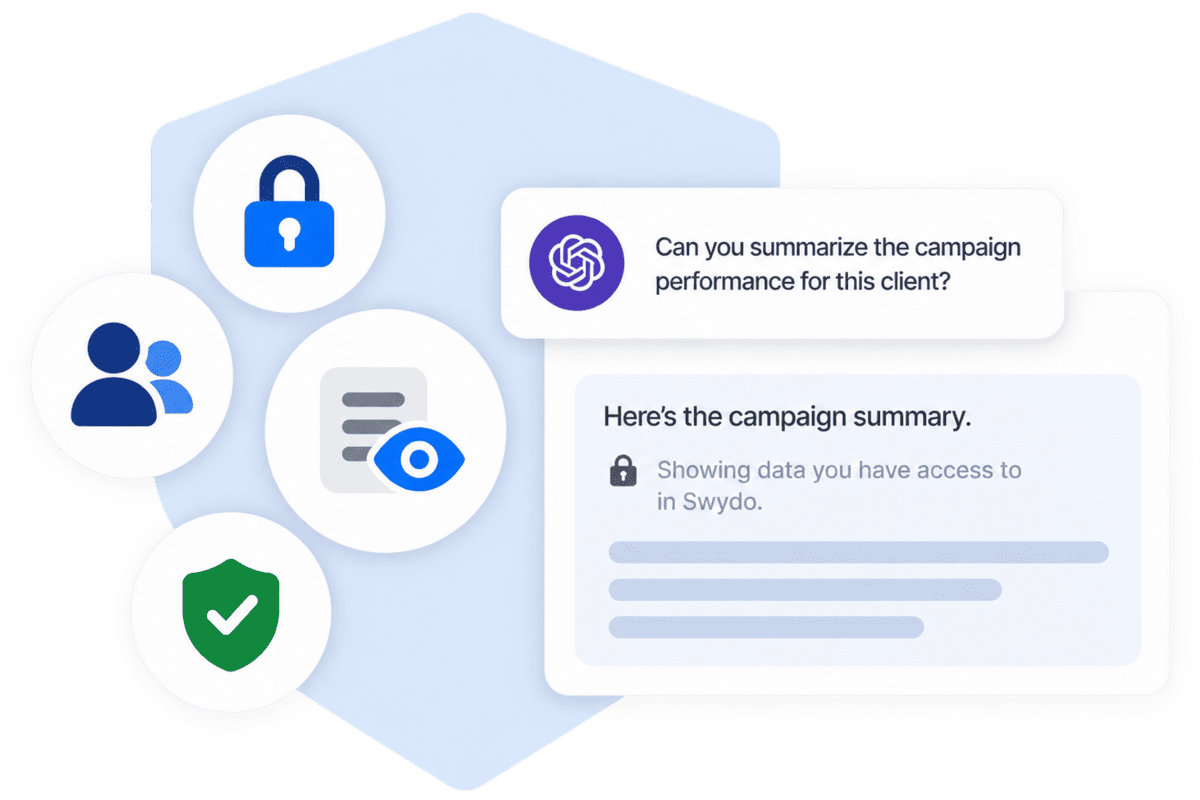
Stay in Control of What Your AI Can See
Your AI works within the same access rules as your Swydo account, so client data only goes where you’ve allowed it.
How it works

1. Connect
Add the Swydo MCP connector to ChatGPT, Claude or another AI tool

2. Sign in
Log in with your Swydo account to approve access

3. Ask
Ask about one client or your whole portfolio in plain language

4. Analyze
Get answers from live data & add your own context
MCP Server URL:
Use https://ai.swydo.com/mcp
in any AI tool that supports MCP.
Learn how to connect Swydo MCP.
MCP (Model Context Protocol) is an open standard that lets AI assistants securely connect to the tools and data you use.
Swydo MCP connects your Swydo account to Claude, ChatGPT and other AI tools that support custom MCP connectors. Ask questions about live client data, for one client or your whole portfolio.
It’s included in your plan at no extra cost.
Any AI tool that supports custom MCP connectors, including Claude and ChatGPT.
Add the server URL https://ai.swydo.com/mcp as a custom connector and sign in with your Swydo account.
Yes. You sign in with your Swydo login, and your AI works with the clients and data sources already in your account.
No. Add Swydo as a connector, sign in and start chatting and asking questions.
Yes. Ask about one client or your whole portfolio in a single conversation, within the clients you have access to.
Your AI works from live Swydo data instead of a snapshot, can look up metrics that aren’t in any widget, and uses the same underlying data as your client reports.
Separate connections give your AI one platform at a time. Swydo MCP connects your AI to all your Swydo data sources in one go, organized by client, so you can compare channels and clients in a single conversation, within your Swydo permissions.
Yes. It can compare available data from supported marketing sources connected to a client. Keep in mind that platforms may use different metric definitions and attribution windows.
Check that the date range, filters and conversion definitions match your report. Recent data can also still be processing on the ad or analytics platform.
No. Access is read-only. Your AI can retrieve and analyze data, but it can’t create, edit or delete anything in your account.
Only the data your Swydo role and permissions allow. Contributors, for example, can only access the clients they already have access to in Swydo.
No. The Swydo MCP is included in your plan and uses no Swydo AI credits. Questions run on your AI tool’s plan and use that tool’s credits.
No. Your client reports, dashboards and scheduled emails work as before. The MCP gives you a faster way to ask questions about the same data.
Swydo data is shared only with the AI tool you connect, and only when you ask a question. How that tool stores or processes data depends on its own privacy settings.
Easily Connect & Integrate Data in a Single Report
 Ahrefs Soon
 Google Merchant Center Soon
 Spotify Beta
 ChatGPT Ads New
 LinkedIn Personal Profile New
 Excel New
 Google Ads
 Google Analytics 4
 Facebook Ads
 Facebook Insights
 Microsoft Ads
LinkedIn Ads
Client testimonials
Connect Swydo to your AI assistant and compare performance across clients and channels in one conversation.
Free for 14 days, no credit card required, cancel at any time